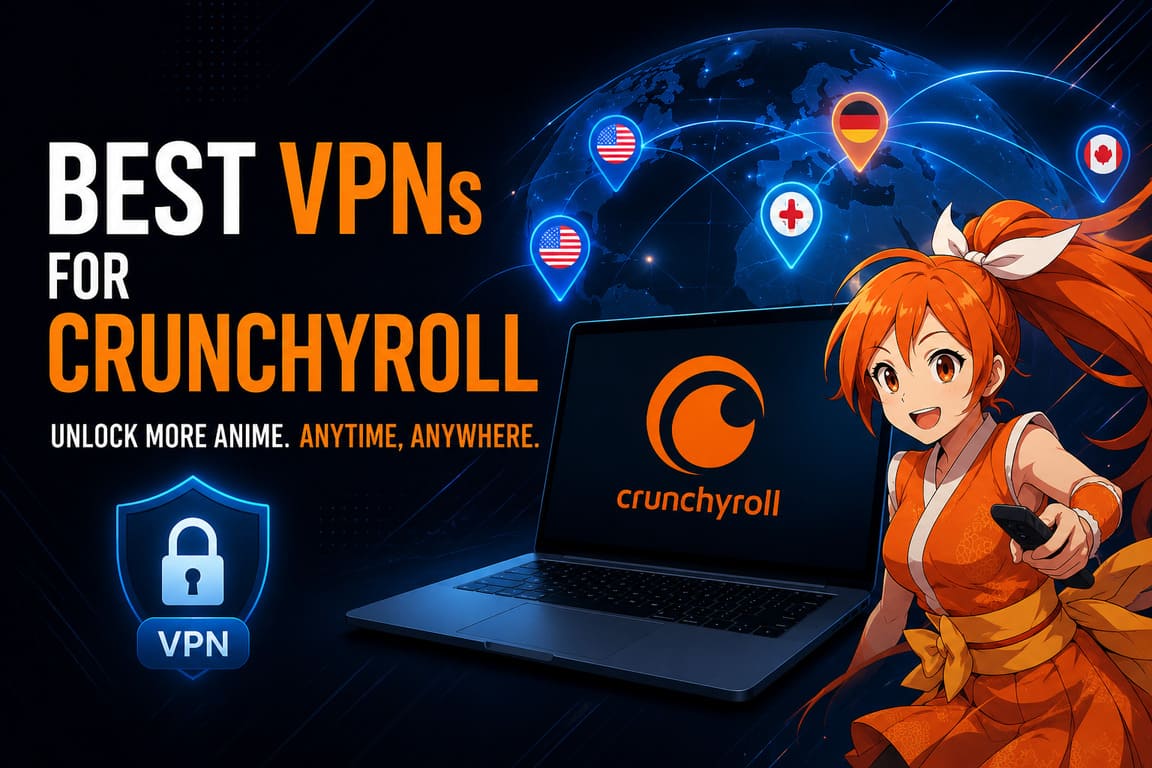
If you’ve ever clicked on an anime trailer only to see “This video is not available in your region,” you already know the pain. Crunchyroll has one of the biggest anime libraries on the planet, but the catalog you see depends entirely on where your IP address says you are. A good VPN fixes that in seconds.
This guide cuts through the noise. I’ll show you which VPNs actually work with Crunchyroll right now, how they compare on the things that matter (speed, server choice, price), and how to set one up without messing it up.
Why You Even Need a VPN for Crunchyroll
Crunchyroll licenses anime on a country-by-country basis. That means a show streaming in the US might be missing in Germany, and a Japanese exclusive may never reach the European catalog at all. According to Crunchyroll’s own help center, “streaming rights and licenses differ by country or region,” which is the official reason for those frustrating “not available” messages
A VPN reroutes your traffic through a server in another country, swapping your IP. Crunchyroll then thinks you’re in that country and serves you the matching library.
Quick stats worth knowing:
- The US Crunchyroll library is consistently the largest, with thousands of titles.
- The UK and Canadian catalogs often include shows missing from continental Europe.
- The German and French libraries are usually 30–50% smaller than the US one.
- Crunchyroll actively blocks many VPN IP addresses, so cheap or free VPNs often fail.
- A VPN can also help you avoid ISP throttling during peak streaming hours.
What Makes a VPN “Good” for Crunchyroll
Not every VPN works. Crunchyroll has gotten better at detecting and blocking known VPN IP ranges. Here’s what actually matters when picking one:
- Unblocking success rate – Does it consistently bypass the geo-block on US, UK, JP, and EU libraries?
- Speed – Anime in 1080p needs around 5 Mbps; 4K simulcasts need 15+ Mbps with stable latency.
- Server count and locations – More servers means more fallback options when one IP gets flagged.
- Simultaneous connections – If you watch on TV, phone, and laptop, you need at least 5 device slots.
- Apps for streaming devices – Native apps for Fire TV, Apple TV, Android TV, and routers save a lot of headaches.
- No-logs policy and jurisdiction – Privacy still matters even if you’re just watching anime.
- Money-back guarantee – Test it risk-free before committing.
Best VPNs for Crunchyroll: Side-by-Side Comparison
Below is a comparison built from current testing reports (Cloudwards, Cybernews, Security.org) and real user feedback on Reddit’s r/VPN and r/Crunchyroll communities.
| VPN | Best For | Servers | Avg. Speed (of base) | Devices | Price (long plan) | Money-back |
|---|---|---|---|---|---|---|
| NordVPN | Overall unblocking + speed | 7,000+ in 118 countries | ~95% | 10 | ~$3.39/mo | 30 days |
| Surfshark | Budget + unlimited devices | 3,200+ in 100 countries | ~90% | Unlimited | ~$2.19/mo | 30 days |
| ExpressVPN | Smart TVs & router setup | 3,000+ in 105 countries | ~92% | 8 | ~$6.67/mo | 30 days |
| Proton VPN | Privacy-first users | 8,500+ in 110 countries | ~88% | 10 | ~$4.49/mo | 30 days |
| Private Internet Access (PIA) | Customization & power users | 30,000+ in 91 countries | ~85% | Unlimited | ~$2.03/mo | 30 days |
| Windscribe | Free tier that actually works | 480+ in 69 countries | ~80% | Unlimited | ~$5.75/mo | 3 days |
My Top Picks Explained
1. NordVPN — The All-Rounder
NordVPN is the one I recommend first because it just works. In recent tests by Cybernews, it “quickly unblocked the US, UK, and other Crunchyroll libraries” with smooth playback Cybernews. Its NordLynx protocol (built on WireGuard) keeps speed loss minimal — CNET measured only a 3% drop in streaming tests CNET. You get 10 simultaneous devices, dedicated streaming-optimized servers, and a real 30-day refund window.
2. Surfshark — Best Value
If price is the deciding factor, Surfshark is hard to beat. It allows unlimited simultaneous connections, so your whole household can watch on different libraries at once. Reddit users confirm it still reliably unblocks Crunchyroll Japan — one note from r/VPN_Question recommends “use the Osaka server instead of Tokyo” for the best HD results Reddit.
3. ExpressVPN — Best for TVs and Routers
ExpressVPN costs more, but its app polish on Fire TV, Apple TV, and routers is unmatched. If you mostly watch anime on a big screen and want zero configuration headaches, this is your pick. Its Lightway protocol is fast and reconnects almost instantly if your network drops.
4. Proton VPN — Best for Privacy
Based in Switzerland and audited regularly, Proton VPN is the strongest privacy choice on this list. It still handles Crunchyroll well on its Plus plan, and it even offers a genuinely free tier (though the free version doesn’t reliably unblock streaming).
5. PIA & Windscribe — Honorable Mentions
PIA gives you absurd server choice (30,000+) and deep customization — great if you like to tinker. Windscribe is one of the few free VPNs that occasionally still works with Crunchyroll, though you’re limited to 10 GB/month on the free tier.
Text Infographic: How a VPN Unlocks Crunchyroll
┌─────────────────────────────────────────────────────────────┐
│                                                             │
│   YOU (Germany)         VPN SERVER (USA)        CRUNCHYROLL │
│      📱  ───encrypted───► 🛡️  ─────normal─────► 🎬         │
│                                                             │
│   Real IP: DE            Apparent IP: US        Sees: USA   │
│   Library: ~600 shows    →                      Sends:      │
│                                                 ~1,200 shows│
│                                                             │
│   Result:   ❌ Blocked          →            ✅ Unlocked   │
│                                                             │
└─────────────────────────────────────────────────────────────┘
The traffic between you and the VPN server is encrypted, so your ISP can’t see what you’re streaming. Crunchyroll only sees the VPN server’s IP, not yours.
How to Set Up a VPN for Crunchyroll (5 Steps)
- Sign up for one of the VPNs above. Pick the longest plan for the best price — the 30-day refund covers you if it doesn’t work.
- Download the app for your device (Windows, macOS, iOS, Android, Fire TV, etc.).
- Log in and connect to a server in the country whose library you want. For the biggest catalog, choose the US. For Japanese exclusives, choose Japan (try Osaka if Tokyo is blocked).
- Clear your browser cache or sign out and back into Crunchyroll. This forces it to re-check your location.
- Start streaming. If a specific server gets blocked, disconnect and try another city within the same country.
Pro tip: If you use the Crunchyroll app on a phone or smart TV, make sure your VPN is connected before you open the app. Some apps cache your location at launch.
Common Mistakes to Avoid
- Using a free VPN with no streaming track record. Most free VPNs have IPs already blacklisted by Crunchyroll.
- Forgetting to disable IPv6 or WebRTC. These can leak your real location even with the VPN on. Top VPNs disable them automatically — cheap ones don’t.
- Sticking with one server forever. Rotate servers if you suddenly get the geo-block message again.
- Paying with PayPal but expecting anonymity. If anonymity matters, use a VPN that accepts crypto.
- Trying to use a VPN to get a cheaper subscription. Crunchyroll bills based on payment method country, not IP — this usually doesn’t work.
FAQ
Q: Is using a VPN with Crunchyroll legal?
In most countries, yes. Using a VPN is legal almost everywhere, though it may violate Crunchyroll’s Terms of Service. In practice, Crunchyroll blocks the IP, not the account — Security.org notes that “Crunchyroll can block IP addresses but not accounts for VPN use”
Q: Will a VPN slow down my anime streaming?
Slightly. Premium VPNs lose only 3–10% of your base speed, which is invisible for HD streaming. If you have 50 Mbps or more, you won’t notice.
Q: Can I use a free VPN for Crunchyroll?
Mostly no. Free VPNs either have their IPs blocked, throttle speed badly, or have data caps too small for a single episode. Windscribe’s free tier sometimes works but limits you to 10 GB/month.
Q: Which country’s Crunchyroll library is the biggest?
The United States. The UK and Canada come close. Japan has the most exclusives but the smallest overall English-subtitled catalog.
Q: Why is Crunchyroll still blocking me even with a VPN on?
Your VPN server’s IP is probably blacklisted. Switch to a different city or server within the same country, then clear cookies. If it still fails, your VPN provider likely isn’t strong enough — switch to NordVPN, ExpressVPN, or Surfshark.
Q: Can I use a VPN on the Crunchyroll mobile app?
Yes, but connect the VPN before opening the app. On iOS especially, the app aggressively caches your location.
Q: Does Crunchyroll ban accounts for VPN use?
There are no widely reported cases of permanent bans for VPN use alone. Crunchyroll blocks the connection, not the account.
The Bottom Line
If you want the shortest possible answer: NordVPN is the best overall VPN for Crunchyroll in 2026, thanks to consistent unblocking, top-tier speed, and a fair 30-day refund window. If budget matters more, Surfshark delivers nearly the same experience for less than half the price, with unlimited device slots. If you live on smart TVs, go with ExpressVPN.
Whichever you pick, use the money-back guarantee as a real test drive — sign up, try unblocking the libraries you actually care about (US, UK, JP), and only keep it if it works for your setup. Anime is too good to miss because of a geo-block you can fix in under five minutes.